

Setting up E-signature
After the transition spreadsheet has been uploaded, workflows will populate under Workflows & Tasks in Migrator. Before running the transition, review each workflow to verify that signer information is correct. This is your opportunity to check and adjust signers before workflows move to the target site.
5.1 Review Signers in a Workflow
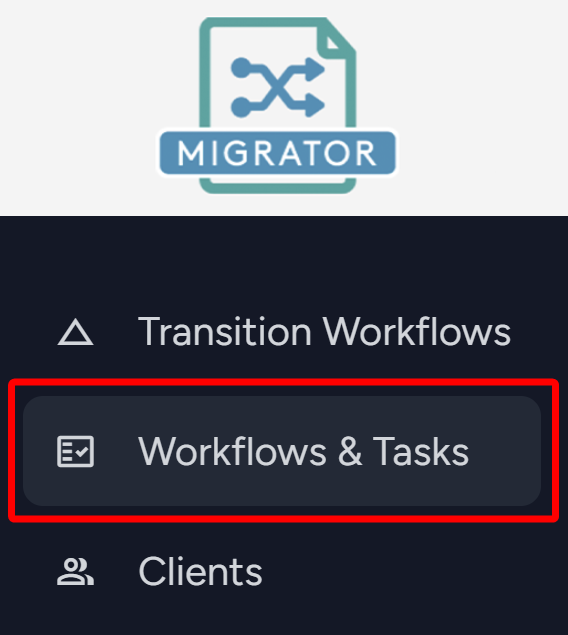
- From the side navigation menu, navigate into Workflows & Tasks.
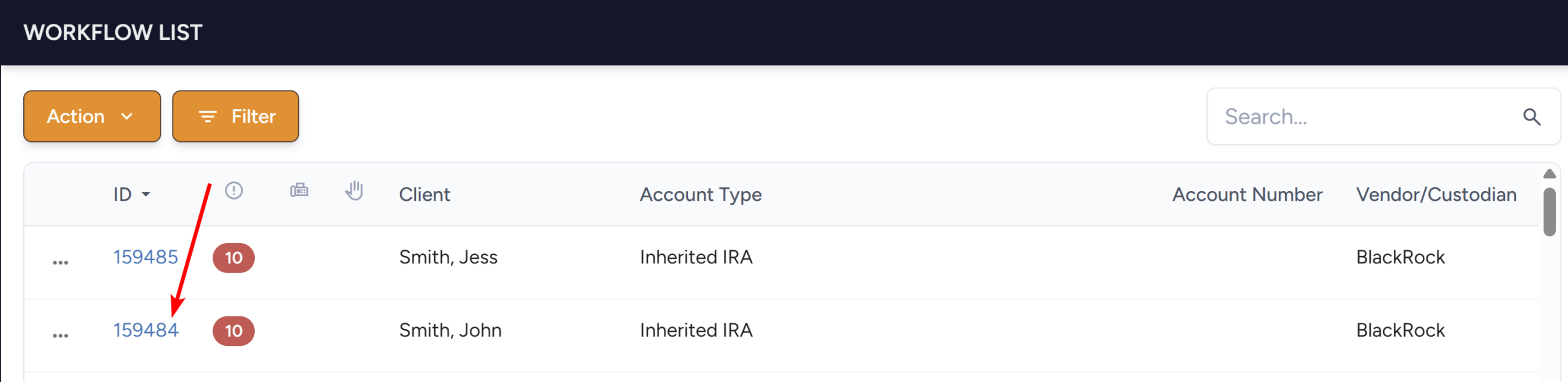
- The Workflow List will load. Click on the workflow ID of the desired workflow to open it.
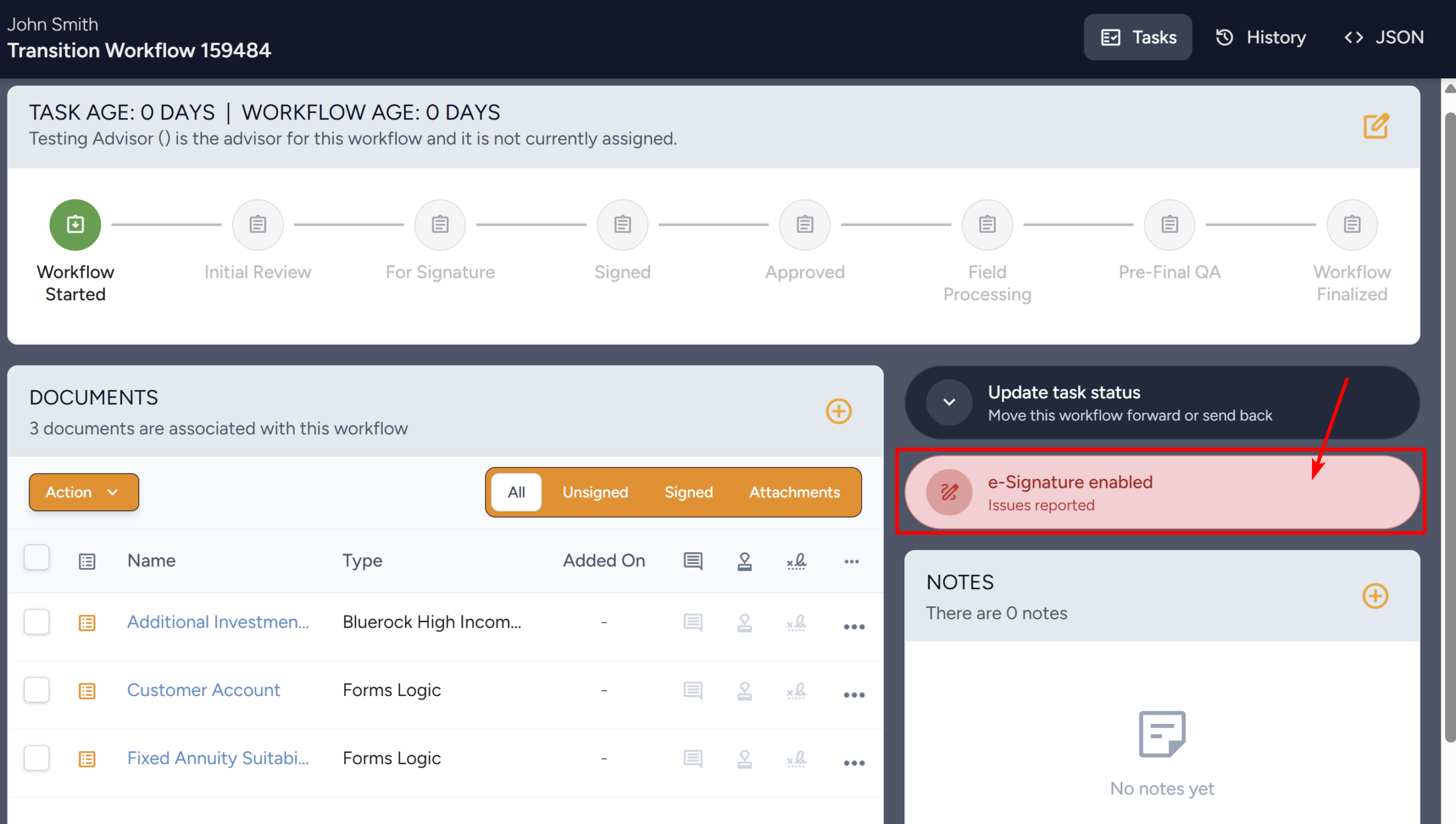
- The Workflow will load. Click on the Signature Indicator.
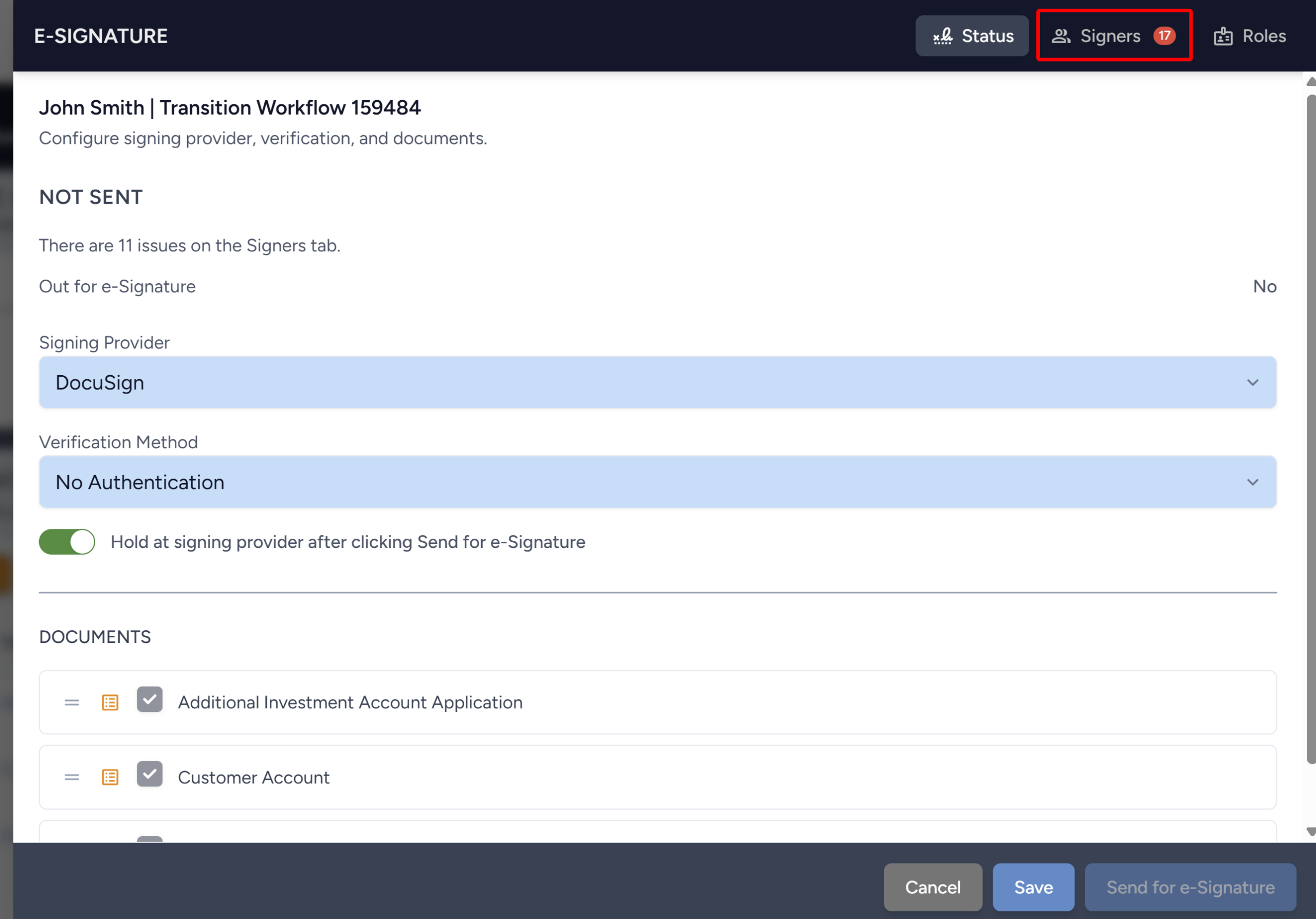
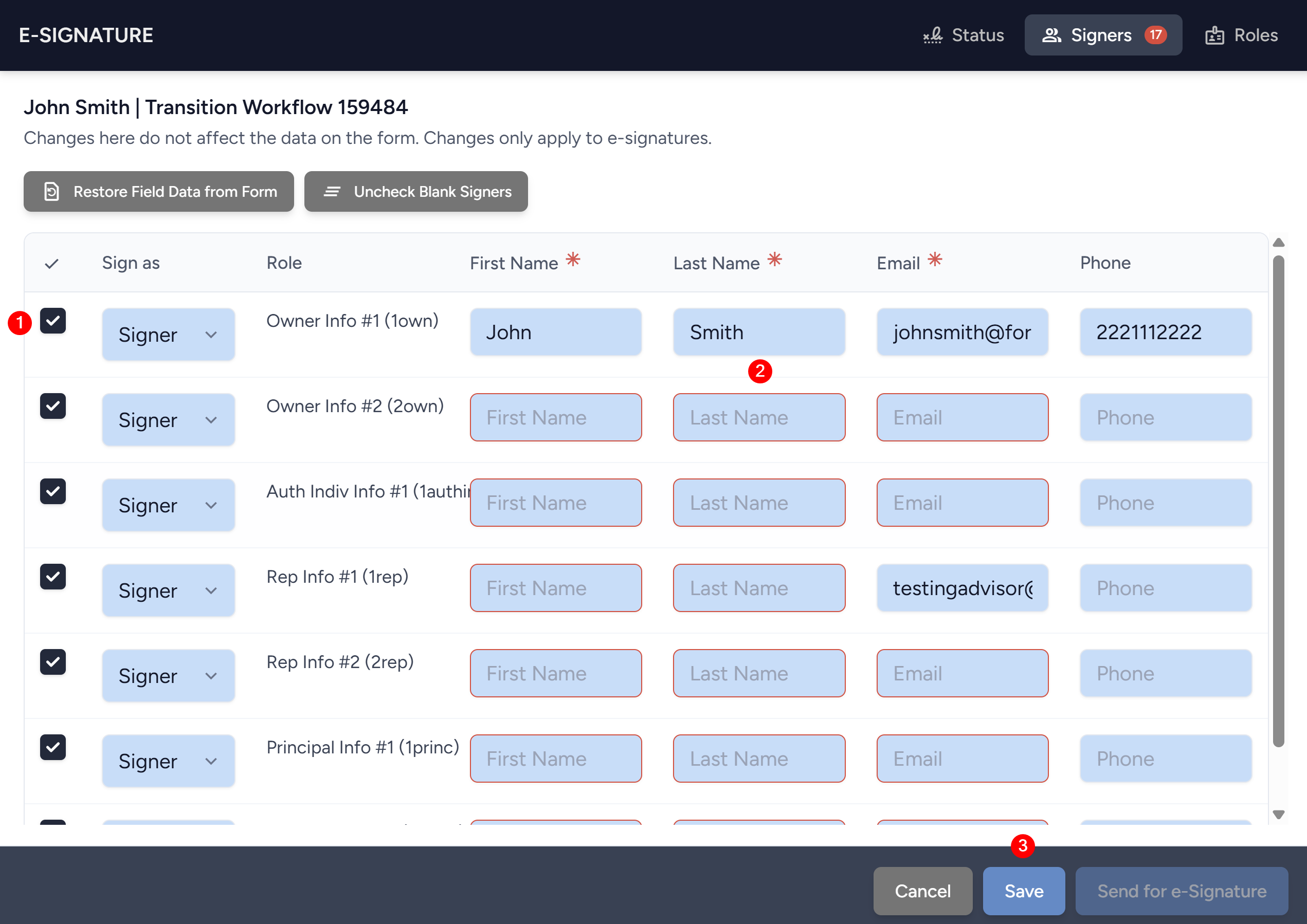
- The E-Signature drawer will open. Click on the Signers tab in the top right.
- Review the signers listed for the workflow:
- Check or uncheck signer roles based on who is required to sign for this account.
- Fill in the fields that are required (marked with a red asterisk) based on the designated verification method. Fields that need to be filled in will have a red boarder.
- Click Save to your changes.
- Repeat for each workflow in the transition.